This shortlist uses manufacturer specifications checked in October 2026. It is a practical comparison, not a hands-on camera test or a list of verified Wake integrations.
Start with equipment you already own
Confirm the required viewpoint, resolution, frame rate and submission method before shopping. A camera's ability to record a format does not mean a particular app accepts its files.
For Wake, the contributor page describes hands-free phone recording and asks contributors to confirm other camera options for their task.
Four cameras worth comparing
| Camera | Useful manufacturer specification | Why consider it | Check first |
|---|---|---|---|
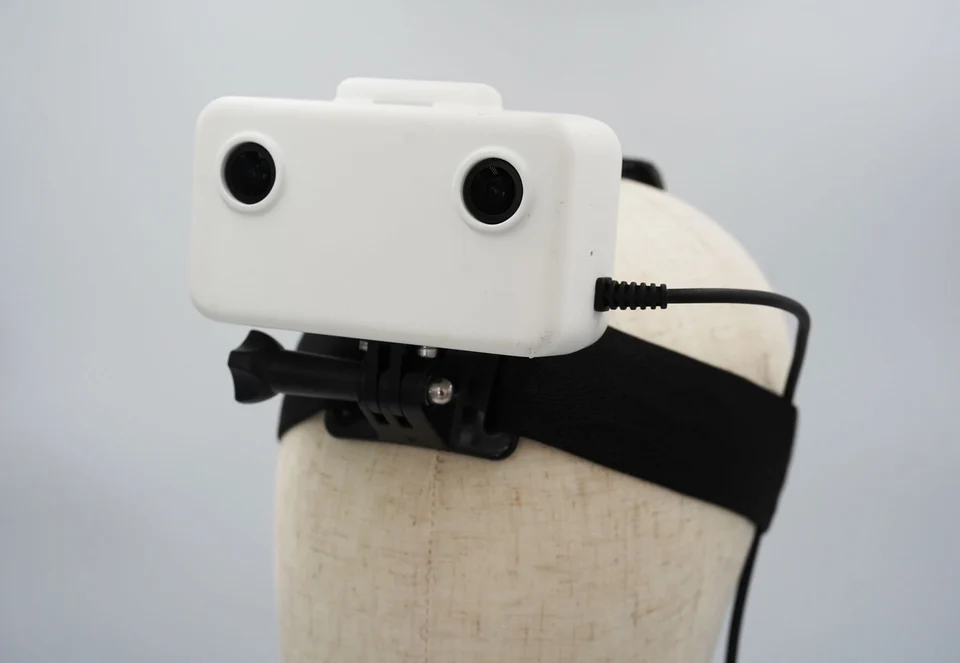
| GI Labs Ego1 | Two synchronized 1080p cameras at 30 fps; 200 Hz motion sensor | A project specifically requiring stereo and motion data | External power, storage, calibration and file acceptance |
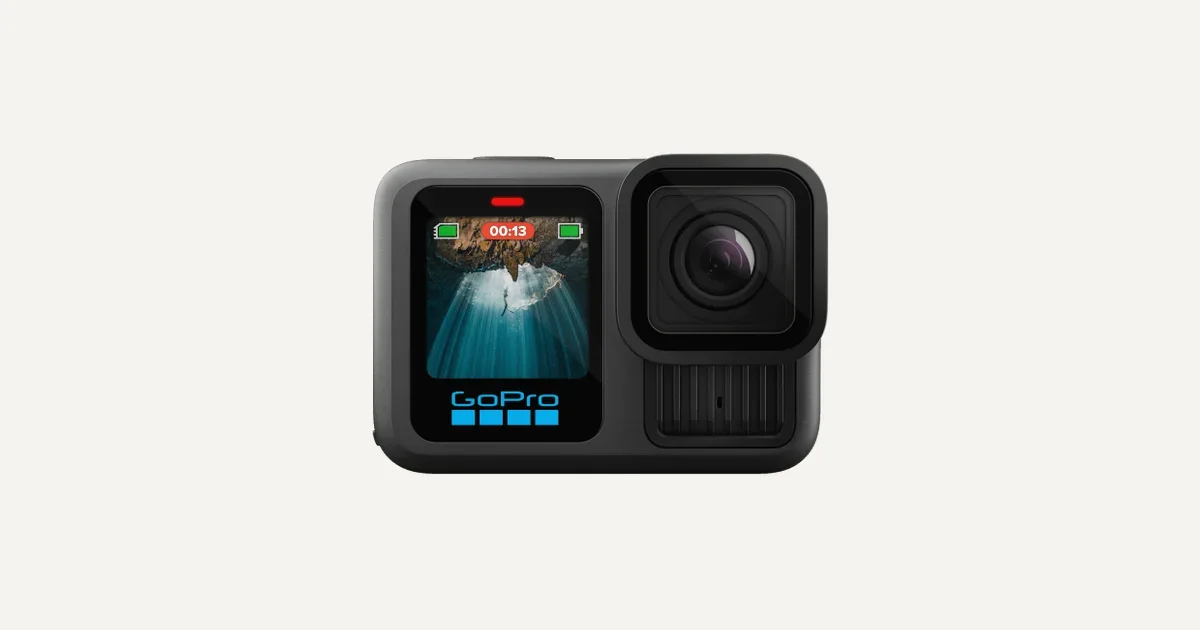
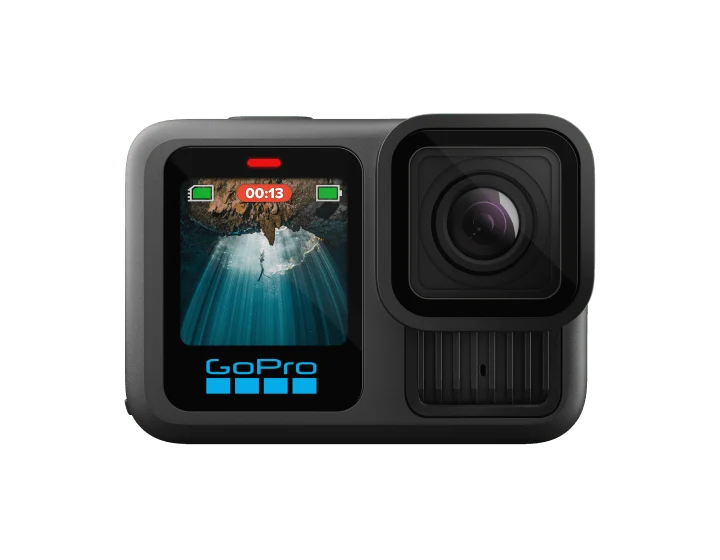
| GoPro HERO13 Black | Up to 5.3K at 60 fps; full-frame 8:7 modes | An option for people already using GoPro mounts | Required framing and mount compatibility |
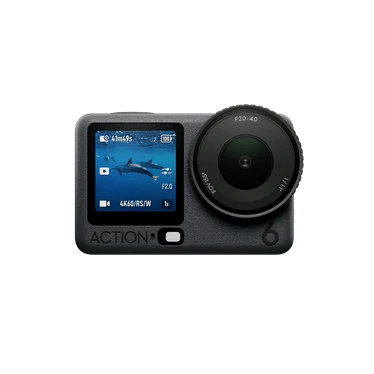
| DJI Osmo Action 6 | 149 g; 1/1.1-inch sensor; 4K square recording mode | An option when a brief benefits from a tall frame | Weight with the mount and regional availability |
| Insta360 GO Ultra | Standalone camera about 53 g; up to 4K at 60 fps | An option when low camera weight matters | Recording duration, storage and the correct accessory |
Specifications: GI Labs, GoPro, DJI, Insta360. “Why consider it” is our assessment of those specifications. Higher resolution alone does not make footage suitable.
GI Labs Ego1: for stereo capture
GI Labs is a Wake partner. Its Ego1 records two synchronized views alongside motion-sensor data. That makes it worth considering when a robotics project requests stereo capture rather than ordinary single-camera video.
Stereo pairs can support depth estimation by showing the same scene from two positions. Accurate results depend on synchronization and calibration, as StereoLabs explains. Stereo video alone is not a finished depth map.
Ego1 uses a headband, adjustable GoPro-compatible mount and external USB-C battery. GI Labs lists time-aligned camera and sensor streams in an MCAP file, with Wi-Fi offload. A microSD card and battery are user-supplied; USB-C currently supplies power only. Confirm calibration information and the project's accepted workflow before ordering. Ego1 specifications.
Single-camera options
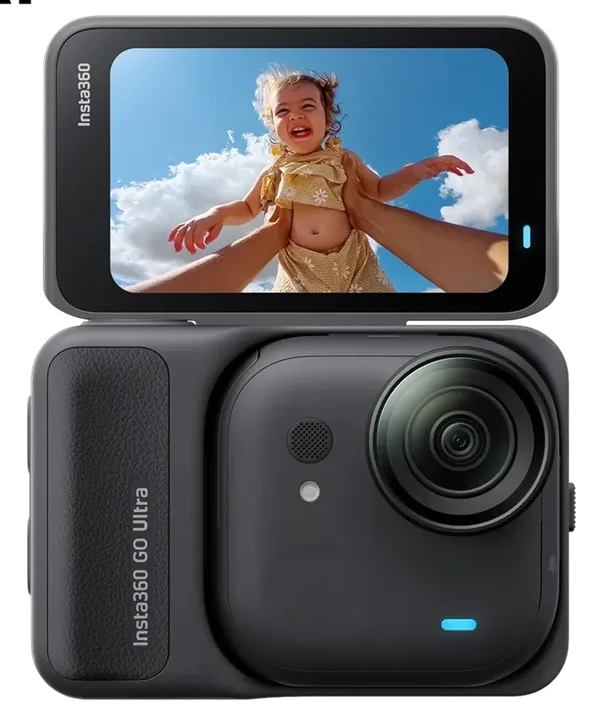
Choose the mount for the viewpoint
Head strap: follows your head and can show the work from near eye level. The GoPro Head Strap 2.0 offers headband, top-strap and clip configurations. GoPro restricts it to non-impact activities.
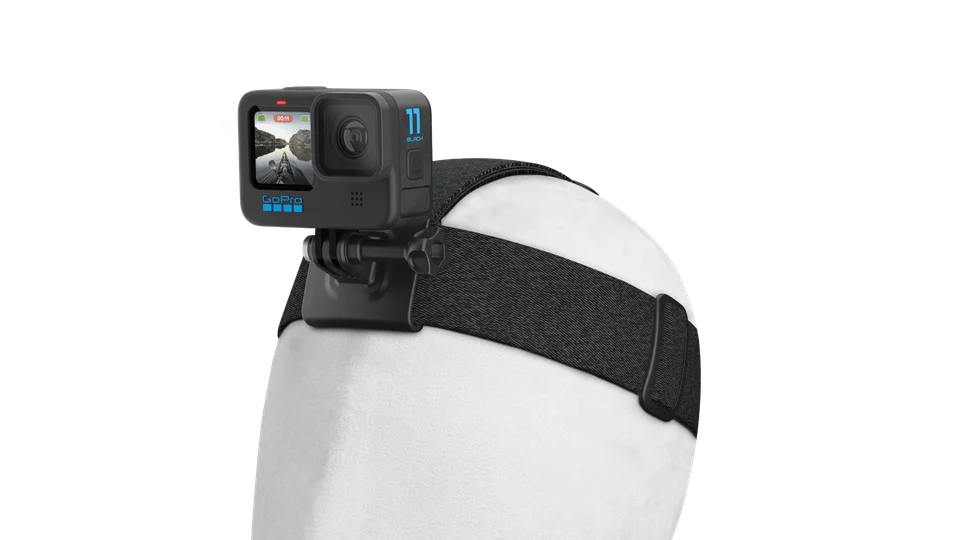
Cap clip: can reduce the amount of strapping around your head. Insta360 offers a Magnetic Easy Clip for GO Ultra. Check the exact model, secure attachment and view when you look down.
Lightweight headband: the Insta360 GO Ultra Easy Clip Headband combines with the Magnetic Easy Clip and can be worn on the head or a hat. Confirm which components your bundle includes.
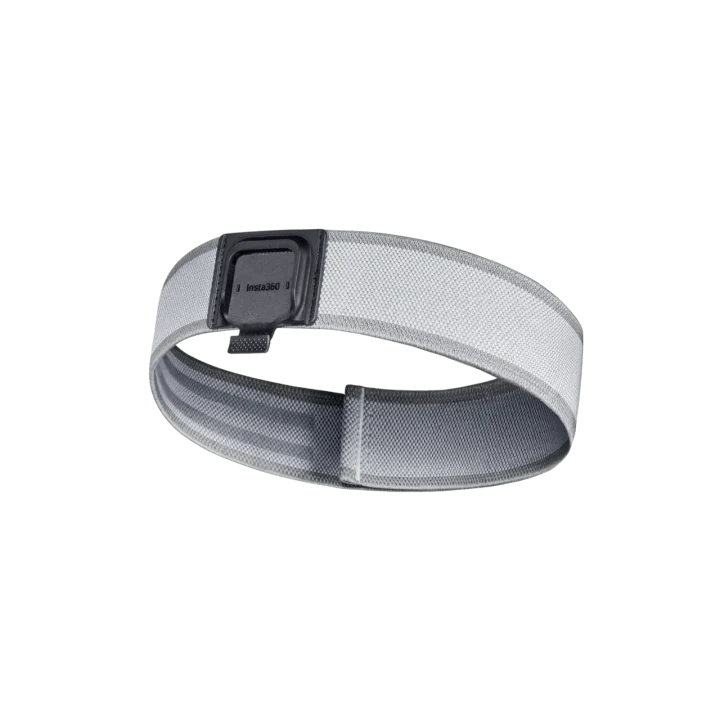
Chest or pendant mount: may suit some tasks, but arms can block the view. It is not interchangeable with a required head-level viewpoint.
Follow manufacturer restrictions for magnetic mounts. Insta360 advises people with pacemakers not to wear GO Ultra on the chest or use its Magnet Pendant. See the manufacturer warning.
A phone holder must be designed for the phone's size and weight. Do not improvise an attachment that obstructs vision or affects safe work.
Do a framing check before a full session
Record a short check while reaching, bending and moving objects. Watch for cropped hands, blocked action, poor light and mount movement. Check comfort and battery capacity for the required session.
Use the task's settings. Do not add stabilization, cropping or other processing when the brief prohibits it.
Questions, answered.
Do I need the newest model?
No. A camera you already own may meet the brief. Confirm acceptance before upgrading.
Do I need stereo video for every task?
No. Use stereo equipment when the brief requests synchronized views or related sensor data. A single-camera recording cannot replace a required stereo pair.
Does this list mean Wake supports these cameras?
No. These are general equipment options. Confirm the camera and upload workflow for your specific Wake task.
Sources linked throughout. Checked October 28, 2026.